January brought a set of Frame.io product updates focused on scale—helping teams automate more of their workflows, protect work with greater confidence, and find the right media faster, even when they’re away from their desk.
From expanded Zapier automations to enterprise-grade transfer workflows, new watermark controls, and media intelligence on iOS, these updates make Frame.io more powerful across the entire lifecycle of creative work.
Here’s what’s new.
More flexible watermark settings for secure media sharing
Watermarks are a critical part of protecting work—especially when assets are shared beyond your immediate team.
This update introduces more flexible watermark settings, giving teams greater control over how and when watermarks are applied across projects and Share Links:
- A new watermark settings panel to manage how watermarks appear across your assets
- Toggle watermark visibility on or off per asset
- Adjust watermark placement and behavior to better suit different review scenarios
Whether you’re reviewing early cuts, sharing work externally, or preparing sensitive content for approval, watermarking can now be tailored more precisely to match your workflow—helping safeguard creative work without getting in the way of collaboration.
Go further: Frame.io Senior Product Manager Adam Whitaker shows how watermarking in Frame.io helps creative teams preserve context and security in modern production →
Advanced automation with Zapier (v1.3.3) for creative workflows
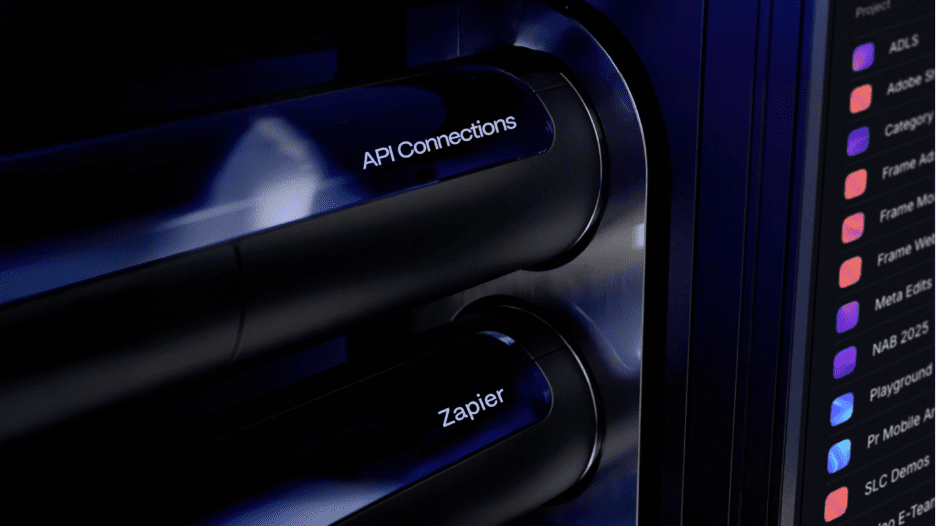
Frame.io’s Zapier integration just took a major step forward.
With the new custom API call action powered by the official Frame.io SDK, users can now access over 50 Frame.io API methods directly inside Zapier. This unlocks highly customized workflows that go far beyond standard triggers and actions.
Instead of waiting for one-size-fits-all automation, teams can now:
- Create complete project structures programmatically—workspaces, projects, folders, and team assignments—all triggered by events in other tools.
- Update metadata at scale across multiple assets based on workflow states in connected apps.
- Access every Frame.io resource: accounts, workspaces, projects, folders, files, shares, comments, and more.
- Build bespoke workflows tailored to how their organization actually works.
Behind the scenes, this release also includes a full authentication overhaul with upgraded platform infrastructure and enhanced error detection. This significantly improves reliability for production-critical Zaps across the board.
The result?
Deeper automation, workflows that just work, and more confidence when Frame.io becomes part of your operational backbone.
Server-to-server transfers with MASV for large media workflows
For enterprise teams moving massive amounts of media, automation and security need to work together.
MASV now supports server-to-server (S2S) transfers for Adobe-managed Enterprise accounts, making it possible to move high-volume assets directly into Frame.io with a “set it and forget it” mentality.
This is especially useful for large organizations that manage users, permissions, and access centrally through the Adobe Admin Console.
This unlocks:
- Fully automated ingest pipelines for large file transfers
- Cloud-first production workflows across multiple teams in your organization
- Security that adheres to the Adobe Admin Console governance and permissions
Large production teams can now move assets at scale while maintaining strict security controls—reducing friction without compromising oversight.
Media intelligence mobile search on iOS

Finding the right shot shouldn’t have to wait until you’re back at your desk.
Search powered by media intelligence is available on iOS, bringing powerful visual search to mobile workflows. Teams can search media based on what’s actually in the content—objects, scenes, and visual details—not just filenames or metadata.
What’s new in this update:
Search results on iOS now provide richer context, showing not just which asset matched your query, but why—including the specific shots, fields, and comments associated with that match.
This makes it easier to:
- Quickly locate specific shots while on set or in transit
- Review and reference assets during meetings with clearer context
- Move faster when decisions need to happen now—not later
It’s the same intelligent search experience—now optimized for mobile, with clearer insight into every result.
Built to scale with your workflow
Each of these updates is designed to remove friction as teams grow—whether that’s scaling automation, tightening security, or making work easier to find wherever you are.
More to come soon.